
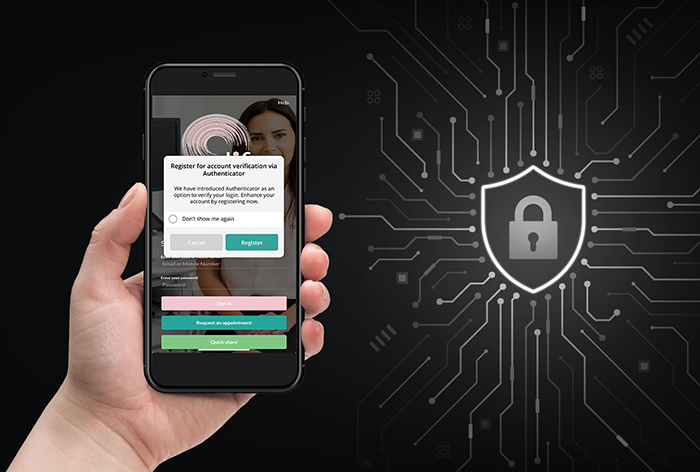
To further safeguard your personal health information, we’re now offering optional Two-Factor Authentication (2FA) on our patient app.
2FA helps ensure that only you can access your account—even if someone else knows your password. It’s quick to set up and easy to use, providing extra peace of mind when accessing your imaging results or managing appointments.
Enabling 2FA is optional but highly recommended.
what to do
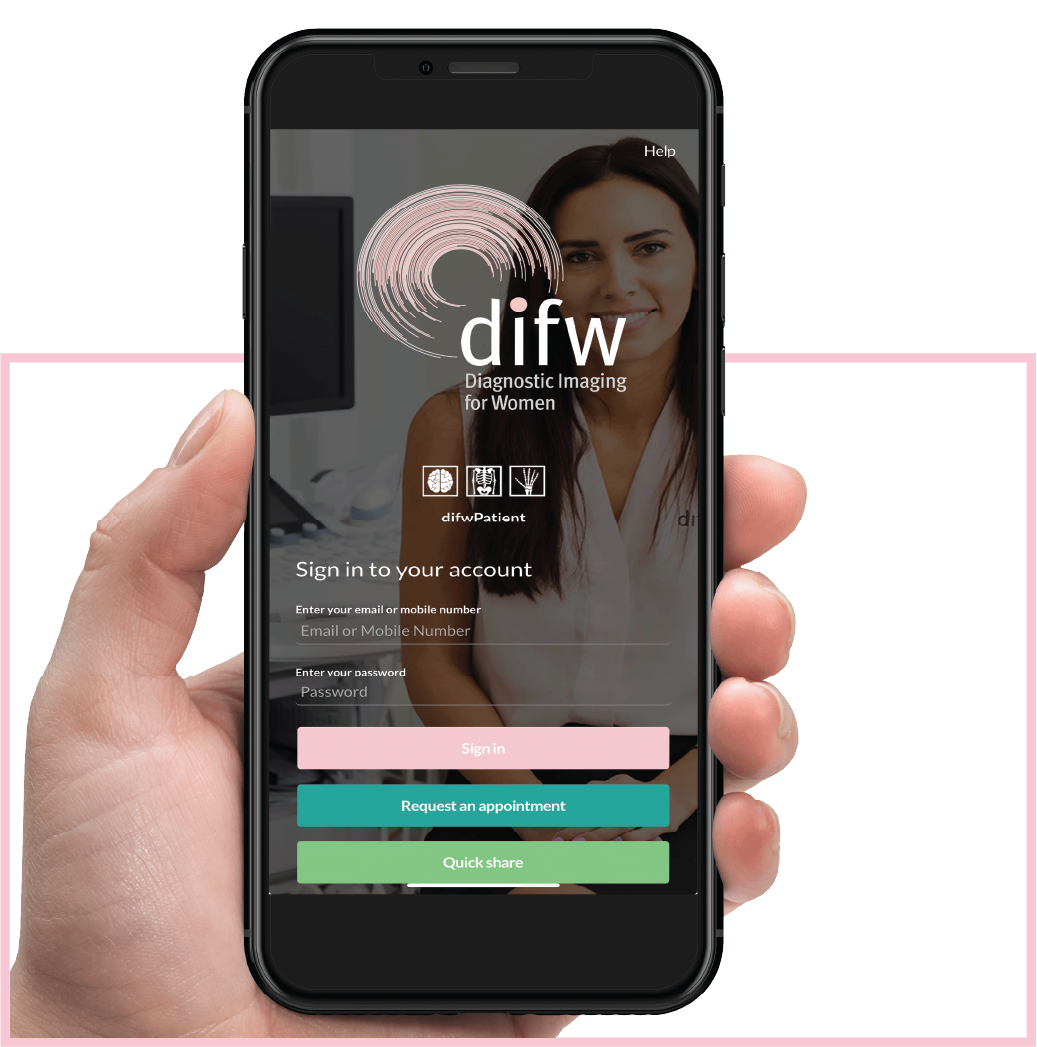
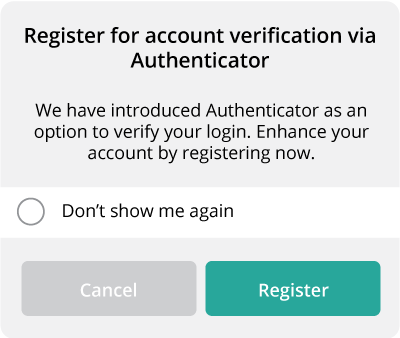
When you log in, you’ll see a prompt asking if you’d like to enable Two-Factor Authentication (2FA). You have three options:
- Register now – Set up 2FA for added account security.
- Dismiss – Skip setup for now (you’ll be prompted again next time you log in).
- Don’t ask me again – Dismiss the prompt permanently
You can choose between two verification methods:
- An authentication app on your mobile phone
- Email verification, where a code will be sent to your registered email address